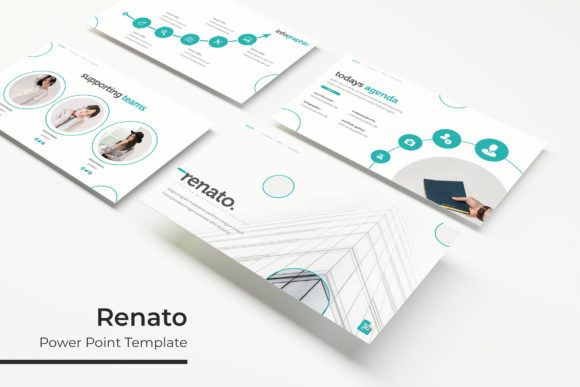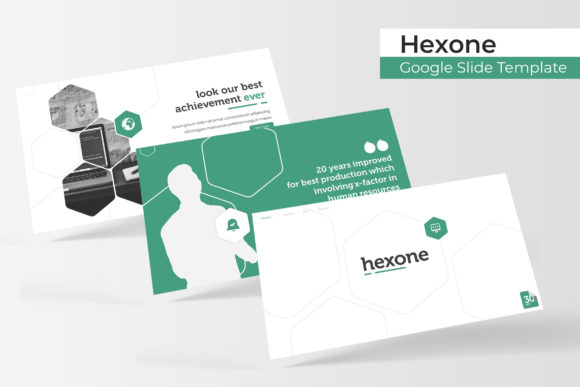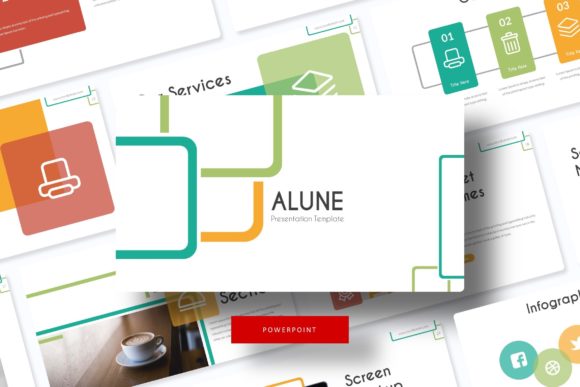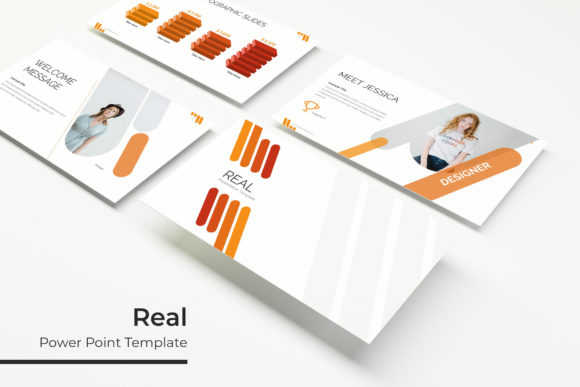
Suggest Power Point Template: A Deep Dive into Its 150+ Slide Features
Presentations are the backbone of modern business communication, yet the process of creating them often feels like a battle against monotony. You open a blank slide, stare at the blinking cursor, and immediately feel the weight of design decisions—should the background be dark or light, how should the chart be formatted, and where exactly should the logo go? This friction wastes valuable time that could be spent refining your message. If you have ever found yourself copying and pasting layouts from old files or struggling to align text boxes manually, it is time to rethink your workflow. The solution lies in a robust, versatile framework that handles the heavy lifting of design so you can focus on strategy and storytelling.
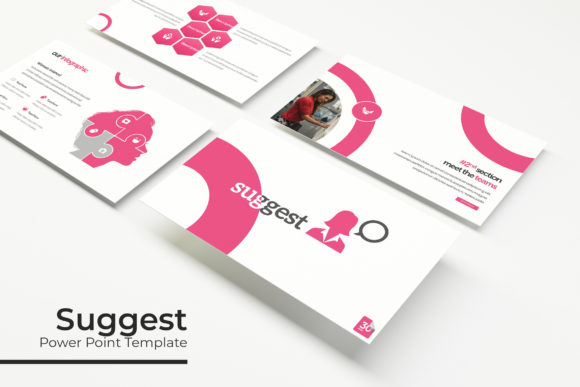
When you suggest a Power Point template to a team or choose one for your personal brand, you are doing more than selecting a color scheme; you are establishing a visual language. A well-constructed template acts as a silent partner in your communication, ensuring that every slide reinforces your brand identity without requiring constant manual intervention. The "Suggest" template package is designed specifically for this purpose, offering a massive library of over 150 total slides that cater to a wide range of professional needs. It moves beyond basic layouts to provide a comprehensive design ecosystem.
Visual Flexibility: Master Slides and Pixel-Perfect Illustrations
One of the most frustrating aspects of lower-quality templates is the lack of structure. You might find a nice cover slide, but the content slides look disjointed or amateurish. The Suggest template solves this by building the entire package on Master Slides. This is a critical feature for anyone serious about visual consistency. By utilizing a master slide architecture, the template ensures that fonts, colors, and positioning remain uniform across all 150+ layouts. If you decide to change the primary brand color halfway through the deck, you can do so from the master slide, and the change will ripple through the entire presentation instantly. This saves hours of tedious editing and prevents the visual errors that often plague manually edited decks.
Furthermore, the aesthetic quality of the assets inside the template matters just as much as the structure. The package includes pixel-perfect illustrations and handcrafted infographics. In the world of modern typography and design, generic stock icons often cheapen the look of a presentation. Instead, these custom vector graphics offer a polished, premium feel. Whether you are presenting complex data using charts or illustrating a creative concept, these graphics are fully editable. You can resize them, recolor them, and combine them to fit your specific narrative, ensuring that your visual aids are as unique as your content.
The Power of 5 Premade Colors and 150+ Slides
Visual fatigue is a real problem in long presentations. Sitting through 50 slides of the exact same color palette can make an audience tune out. The Suggest template addresses this with its unique 5 premade color variations. Each of the five color schemes comes with its own set of 30 distinct slides, offering different moods and tones. For instance, you might use a vibrant, high-contrast color scheme for your energetic marketing pitch, but switch to a muted, sophisticated palette for an internal financial report. Having these 5 PPTX Files ready to go means you can adapt your presentation style to the specific context of your meeting without needing to be a color theory expert.
The sheer volume of content—150+ total slides—also provides immense practical value. This is not just about quantity; it is about variety. The package includes specialized layouts that are often missing from standard templates, such as Section Break Slides, Gallery and Portfolio slides, and dedicated text layouts. For small business owners or freelancers, the portfolio slides are particularly valuable. They allow you to showcase your work, whether it is packaging design, web design mockups, or social media graphics, in a structured and visually appealing grid. This transforms a simple presentation into a compelling case study or pitch deck.
Practical Workflow: Drag & Drop and Editable Graphics
Design efficiency is about reducing the number of clicks required to achieve a result. The Suggest template is built with a drag & drop interface philosophy. This is most evident in the Picture Placeholder feature. Instead of trying to crop and resize an image to fit a specific shape or box, you simply drag your image file onto the placeholder, and the template automatically crops and centers it for you. This feature is a lifesaver for content creators and marketers who need to swap out images frequently to keep presentations fresh for different audiences.
Moreover, the Resizable and Editable Graphic elements mean you are not locked into the template’s default structure. If a specific infographic takes up too much space, you can scale it down without losing resolution. If the default icon style does not quite match your brand identity, you can ungroup the vector elements and modify the shapes. This level of customization is essential for branding. A template should serve your brand, not the other way around. By providing editable assets, the template empowers you to maintain your specific brand identity guidelines while still benefiting from professional design layouts.
Accessibility and Usability: Fonts and File Structure
A beautiful design is useless if the recipient cannot view it correctly due to missing fonts. The creators of the Suggest template have addressed this common pain point by including a Readme First file with a free font download link included. This is a thoughtful touch that demonstrates an understanding of the user's workflow. You do not need to hunt for premium fonts or worry about licensing issues for the typeface used in the design. The typography chosen for the template is designed for readability, balancing style with function. Good typography guides the eye; it does not distract it. The fonts included are likely optimized for both screen projection and print, ensuring your message is clear whether you are presenting on a large monitor or printing handouts.
The package is delivered in a Widescreen format (16:9), which is the current standard for modern displays and projectors. This ensures your presentation fills the screen without black bars, providing an immersive viewing experience. For those managing multiple projects or clients, having 5 PPTX Files corresponding to the color variations makes organization simple. You can keep the "Blue" version for corporate clients and the "Orange" version for creative pitches, streamlining your file management.
Real-World Applications for Professionals
How does this translate into real-world value? For the entrepreneur, this template is a toolkit for growth. When pitching to investors, the professional presentation quality signals competence and attention to detail. For the educator, the clear section breaks and infographic capabilities make complex subjects easier to teach. For the creative agency, the gallery layouts provide a clean canvas to display logo design work or editorial layouts.
Consider the impact on brand recognition. When you consistently use a high-quality template with a cohesive color scheme and professional typography, your audience begins to associate that visual standard with your business. It builds trust. A messy, inconsistent presentation can subconsciously suggest a lack of organization in your business operations. Conversely, a polished deck suggests reliability and expertise. Whether you are creating a sales deck, a quarterly review, or a workshop guide, the Suggest Power Point Template provides the structural integrity and visual flair necessary to communicate effectively. It is not just a collection of slides; it is a foundation for better communication.