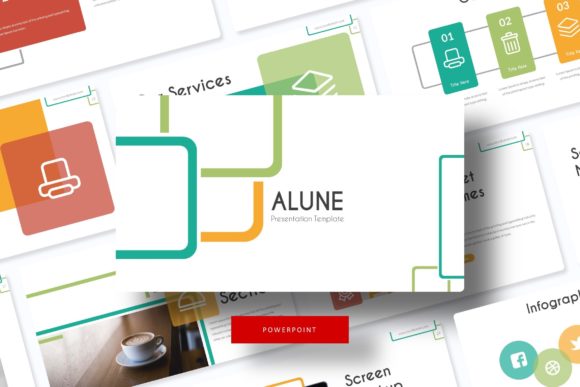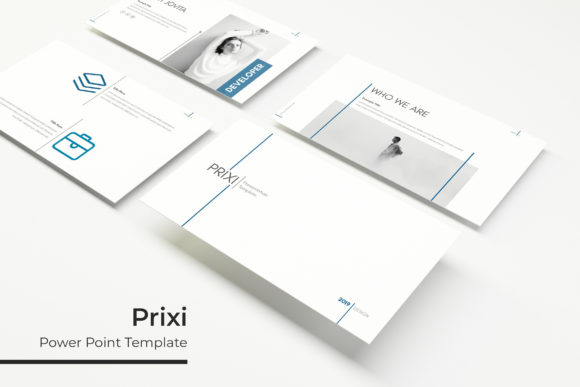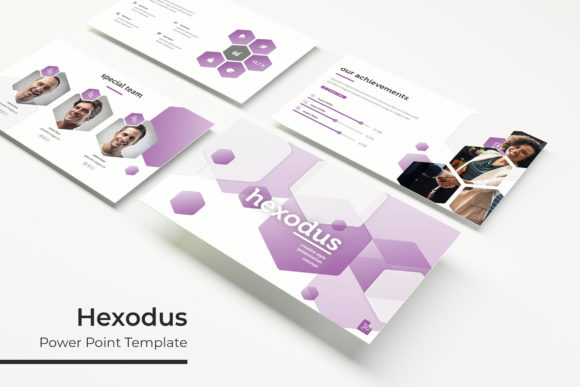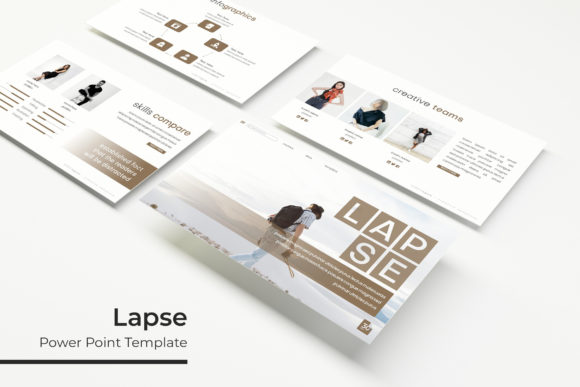
Alune: Crafting Your Visual Narrative with a Dynamic Keynote Template
Imagine this: you have a brilliant idea, a game-changing strategy, or a portfolio of work that deserves to be seen. The content is solid, the data is compelling, and your message is clear. Yet, when you sit down to build the presentation, you hit a wall. The default templates feel sterile, customizing layouts is a time sink, and the final result looks… generic. Your powerful message gets lost in a sea of bland slides and mismatched visuals. This is the moment where a thoughtfully designed asset like the Alune Keynote Template shifts from a luxury to a necessity, transforming your presentation from a simple slideshow into a cohesive visual story.
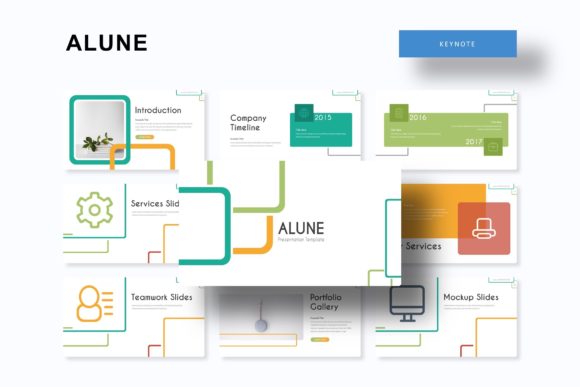
At its core, Alune is built for creators who value both efficiency and aesthetic polish. It’s not merely a collection of slides; it’s a structured design system. With over 150 total slides, the template provides a vast playground for organizing complex information. The real magic, however, lies in its architecture. Five premade color palettes offer thirty meticulously crafted slides each. This means you aren’t just getting a blue theme and a red theme; you’re getting a complete, color-harmonized narrative flow for each variation. Whether you’re presenting a quarterly business review, a creative pitch, or a wedding portfolio, you can select the color story that best resonates with your topic and audience, ensuring immediate visual consistency from the first title slide to the final thank you.
Beyond Slides: A Toolkit for Visual Communication
For the small business owner or the marketing professional, time is the scarcest resource. The Alune template acknowledges this by prioritizing functionality that accelerates your workflow. Every graphic, from intricate infographics to simple charts, is fully resizable and editable. The drag-and-drop picture placeholder feature is a particular standout. Instead of fiddling with image cropping and positioning, you simply drag your photograph into the designated area, and it snaps perfectly into place. This is based on a master slide system, which is the backbone of any professional presentation file. Edit a master slide once, and the change cascades through your entire deck, guaranteeing that every header, footer, and color accent remains pixel-perfect. This eliminates the tedious, error-prone process of manually adjusting each of the 150+ slides.
The inclusion of handcrafted infographics and dedicated section break slides elevates the template beyond a simple layout tool. Think about the last time you had to explain a multi-step process or display comparative data. Creating a clear, engaging infographic from scratch in PowerPoint or Keynote can take hours. Alune provides a library of these pre-built visual elements—timelines, flowcharts, data visualizations, and process diagrams—that you can customize with your own content. The section break slides act as visual chapter markers, giving your audience a mental pause and helping to structure your talk into digestible segments. This thoughtful organization is crucial for maintaining audience engagement, especially during longer presentations.
Practical Applications: From Boardroom to Studio
The versatility of a well-constructed template like Alune is where its value truly shines. Its clean, modern typography and balanced layouts make it a chameleon, adaptable to a wide array of professional and creative projects. For the entrepreneur, it’s the foundation for a compelling investor pitch or a sleek internal company report. The consistent use of color and typography reinforces brand identity, making every slide feel intentionally “on-brand.”
For designers and creative agencies, the template becomes a dynamic portfolio showcase. The gallery and portfolio slides are specifically designed to let your work breathe. Instead of cramming multiple images onto one page, you can use full-bleed image slides or structured grids that present your photography, graphic design, or product packaging in its best light. The minimalist framework ensures your projects are the hero, not the template itself. This is invaluable for client presentations where you need to demonstrate your aesthetic sensibility through the very tool you’re using to present.
Content creators and bloggers can repurpose the slide decks into multiple assets. A single, well-designed presentation on “5 Tips for Better Flat Lay Photography” can be exported as a PDF to become a downloadable lead magnet, its individual slides can be cropped and optimized as Instagram carousels, and key infographics can be used as standalone visuals for a blog post. This multi-platform utility makes the initial investment in a premium template pay dividends across your entire content strategy.
Smart Design Choices: Making the Template Work for You
Having a powerful tool is one thing; using it effectively is another. The first practical step is to align the template’s style with your project’s goal. The Alune template’s modern, clean aesthetic lends itself well to corporate, tech, and creative industries. If your brand identity is more rustic or hand-drawn, you might need to supplement it with custom illustrations or specific photography to bridge that stylistic gap.
Font pairing is another critical consideration. The readme file included with the download specifies the free fonts used, which is a huge help. To maintain visual harmony, stick to these recommended typefaces for your body and headline text. If you choose to introduce a third font, ensure it serves a clear purpose—like a script font for a decorative pull quote—and test its readability at presentation scale. Always preview your slides in full-screen mode. What looks perfectly legible on your design monitor might become an eye test for your audience in a large conference room.
Finally, think about the flow. Use the 150+ slides as a starting library, not a mandate to use every single one. A focused, 20-slide presentation that tells a clear story will always be more effective than a meandering 60-slide deck. Select the slides that best serve your narrative, customize the color scheme to match your brand or topic, and use the infographic slides to simplify complex ideas. The goal is to leverage the template’s structure to enhance your communication, not to let the template dictate it.
What’s in the Box and Final Considerations
When you download the Alune Keynote Template, you receive a comprehensive package designed for immediate use: five PPTX files for both standard and widescreen formats, each corresponding to one of the five color variations. This foresight saves you the hassle of manually recoloring an entire presentation. The inclusion of a readme file with font download links is a professional touch that ensures typographic consistency from the get-go.
A crucial note for any commercial project: while the template itself is licensed for use, the photographs and pictures used in the preview images are for illustration only and are not included. This is standard practice, reminding us to source our own high-quality imagery that is either original, properly licensed, or from a royalty-free library. The template provides the skeleton and the style; your unique content and images provide the soul.
Ultimately, a resource like the Alune Keynote Template is about removing friction from the creative process. It handles the heavy lifting of layout, alignment, and visual consistency, freeing you to focus on what truly matters: your message, your data, and your story. In a world where attention is fleeting, presenting your ideas with clarity and professional polish isn’t just nice to have—it’s a fundamental part of being heard.