Massive Power Point Template: 150+ Slides for Dynamic Presentations
Let's be honest—most presentations feel like a chore. You open a blank slide deck, stare at the blinking cursor, and wonder how to turn a handful of bullet points into something people actually want to watch. Whether you're pitching investors, training a team, or showcasing a portfolio, the gap between a forgettable slideshow and a compelling visual story often comes down to one thing: the foundation you start with. A thoughtfully designed template doesn't just save time; it shifts your entire approach from "filling slides" to "crafting a narrative."
Why 150+ Slides Actually Matters More Than You Think
When you hear "150+ total slides," it might sound like overkill. But here's the practical reality: presentations aren't one-size-fits-all. A startup pitch deck needs a different rhythm than a quarterly business review. A creative portfolio demands different pacing than an educational workshop. Having a deep library of slide layouts means you're never forcing content into an awkward mold. You pick the structure that serves your message—whether that's a data-heavy comparison chart, a full-bleed image showcase, or a clean text-driven explanation.
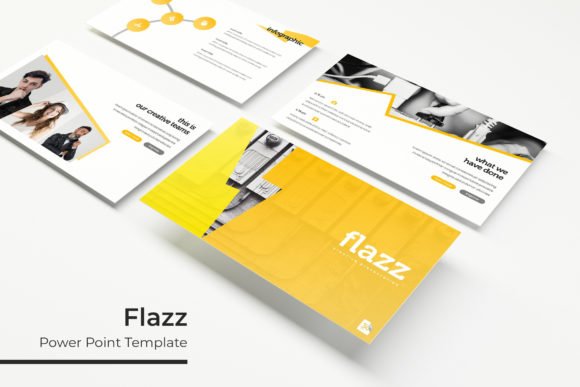
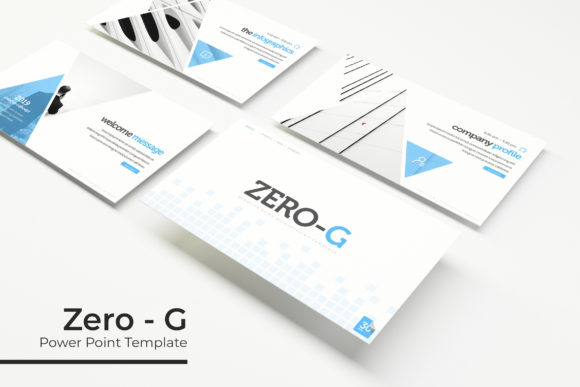
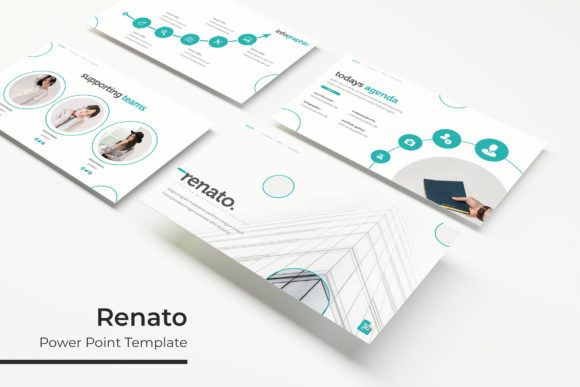
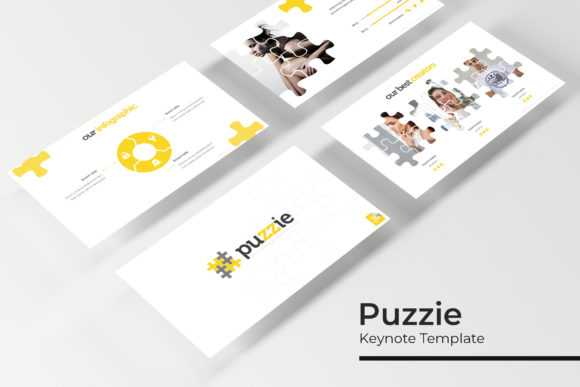
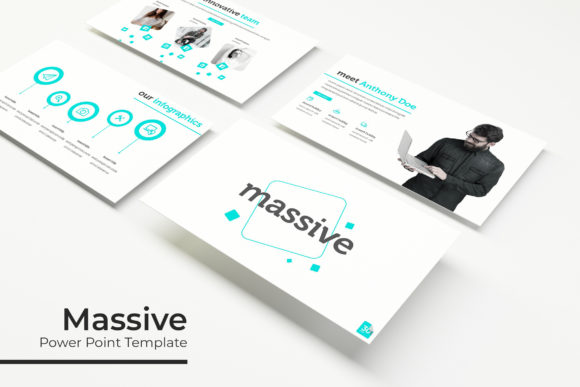
The Massive Power Point Template delivers exactly this kind of flexibility. Each of the five premade color themes includes 30 unique slides, giving you 150 distinct starting points. That's not redundancy; it's range. One color variation might feel bold and energetic for a product launch, while another leans sophisticated for a corporate keynote. You're essentially getting five complete presentation systems, each with its own visual personality.
Handcrafted Infographics and the Art of Visual Clarity
Here's where many templates fall short: they offer pretty layouts but fall apart when you need to present actual information. Data visualization is where the Massive Power Point Template genuinely shines. The handcrafted infographics aren't generic clip-art charts—they're purpose-built for real-world communication. Process flows, timelines, comparison matrices, and statistical breakdowns are designed to make complex information digestible at a glance.
Think about how this translates to practical scenarios. A marketing agency presenting campaign results to a client needs charts that tell a story, not just display numbers. A nonprofit pitching to donors needs impact metrics that feel human, not clinical. A freelancer showing project timelines needs visuals that build confidence, not confusion. When your infographics are built with intention, they do the persuasive heavy lifting for you.
Five Color Themes That Actually Work Across Industries
Color isn't decoration—it's communication. The five premade color palettes included in this package weren't chosen at random. Each one occupies a different emotional and professional register, which means you can match the template to your audience without wrestling with color theory yourself.
Consider how a deep navy and gold palette signals authority and trust—perfect for financial services or legal presentations. A vibrant teal and coral combination feels fresh and approachable, ideal for tech startups or creative agencies. The beauty of having five distinct options is that you're not locked into a single mood. You can use one palette for internal team meetings and another for client-facing pitches, maintaining visual variety while staying within a cohesive design system.
Practical Features That Save Real Time
Beyond aesthetics, the functional details of a template determine whether it's actually usable day-to-day. The Massive Power Point Template includes several features that address the frustrations most presenters encounter:
- Drag-and-drop picture placeholders mean you're not manually resizing and cropping images to fit awkward boxes. Drop your photo in, and it fits perfectly.
- Master slide architecture ensures consistency across your entire deck. Change a font or color on the master, and every related slide updates automatically.
- Resizable and editable graphics let you scale illustrations and icons without quality loss, which is critical when you're adapting a widescreen deck for a different format.
- Section break slides give your presentation natural breathing room, helping audiences mentally transition between topics.
- Gallery and portfolio slides provide dedicated layouts for visual work—photography, design samples, product images—without you having to build grids from scratch.
Pixel-perfect illustrations round out the package, giving you polished visual elements that look custom-designed rather than pulled from a stock library. These details compound. When every slide looks intentional, your audience trusts the content more.
Adapting the Template for Branding and Business Use
One of the most overlooked uses for a robust presentation template is brand development. If you're building a business, your pitch deck, internal communications, and client proposals all contribute to how people perceive your brand. Using a consistent, professional template across these touchpoints reinforces credibility without requiring a full design team.
Small business owners often struggle with this. You know your brand should look polished, but hiring a designer for every presentation isn't realistic. A template like this bridges the gap. Swap in your brand colors using the editable master slides, add your logo to the corner, and suddenly every deck you send out feels on-brand. Over time, this consistency builds recognition—clients start associating your visual style with reliability.
Content creators and marketers can leverage the template similarly. Webinar decks, lead magnet presentations, and social media carousels all benefit from a unified visual language. When your Instagram Stories, your email course slides, and your conference keynote all share design DNA, you're building a brand ecosystem, not just isolated assets.
What's Actually in the Box
Transparency matters when you're investing in design assets. Here's exactly what you receive:
- 5 PPTX files (standard format)
- 5 PPTX widescreen files (16:9 aspect ratio)
- 5 premade color themes with 30 slides each
- A Readme file with setup instructions
- Font download link for the free typeface used in the design
One important note: the photographs and images shown in preview materials are for illustration purposes only and aren't included in the download. This is standard practice with presentation templates—you'll use your own imagery, which actually ensures the final product feels authentically yours rather than generic.
Making the Most of Your Investment
A template is only as good as how you use it. A few practical tips for getting maximum value from the Massive Power Point Template:
Start with your content, not the slides. Outline your narrative first—what's the story arc, what are the key takeaways—then choose the layouts that best serve each point. It's tempting to start by browsing beautiful slides and fitting content in, but this leads to presentations that look good and communicate poorly.
Don't use every slide. Having 150+ options doesn't mean your deck should be 150 slides long. A focused 15-slide presentation with carefully chosen layouts will always outperform a sprawling 60-slide marathon. The depth of options exists so you can pick the right one, not use them all.
Customize intentionally. The color themes are starting points. Adjust them to match your brand palette, swap fonts if your brand uses different typefaces, and replace placeholder content with your own voice. The goal is a presentation that feels unmistakably yours while benefiting from professional design structure.
Test on the actual display. Always preview your final deck on the screen or projector you'll use during the presentation. Colors shift, text sizes read differently, and animations behave unexpectedly depending on the display environment. A five-minute review prevents embarrassing surprises.
Who Benefits Most from This Kind of Template
The honest answer: anyone who presents regularly and values their time. But certain groups find particular value in a comprehensive template system. Entrepreneurs pitching to investors need decks that communicate competence instantly. Consultants delivering findings to clients need data visualizations that clarify rather than confuse. Educators and trainers need layouts that maintain attention across long sessions. Designers creating presentations for clients need a reliable foundation they can customize efficiently.
Even if you only give a handful of presentations each year, starting from a polished template changes the experience entirely. Instead of spending hours on layout decisions, you spend that time refining your message—which is what actually moves audiences to action.
The Massive Power Point Template isn't magic. It won't turn a weak idea into a strong one. But it removes the design friction that prevents good ideas from looking as good as they deserve to. And in a world where attention is scarce and first impressions happen fast, that matters more than most people realize.