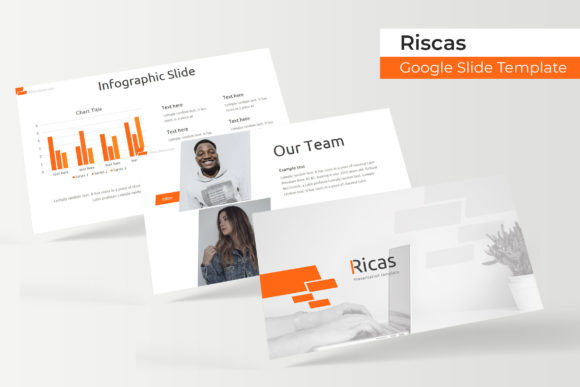
Ricas Google Slide Template: A Complete Design Kit for Your Next Project
You know that feeling when you're staring at a blank presentation, and the deadline is tomorrow? You've got the content, the strategy, the data—but making it look polished and professional feels like climbing a mountain. That's exactly the problem the Ricas Google Slide Template solves. It's not just another set of slides; it's a comprehensive design system built for people who need to communicate ideas clearly and beautifully without spending hours wrestling with layouts.
What makes this template stand out immediately is its sheer scope. With over 150 total slides spread across five premade color variations, you're getting 30 unique slide designs in each color theme. That means whether you're pitching to investors, presenting a quarterly report, teaching a workshop, or showcasing a portfolio, you'll find layouts that actually fit your content rather than forcing your content into awkward boxes.
A Design System That Adapts to Your Brand
One of the most frustrating aspects of using templates is discovering they only work in one specific context. The Ricas template avoids this entirely. The five color variations aren't just recolors of the same design—they're thoughtfully crafted palettes that give each version its own personality. You might use a warm, inviting palette for a lifestyle brand presentation and switch to a cool, corporate-friendly scheme for a financial report. The underlying structure stays consistent, but the visual tone shifts to match your audience.
This kind of flexibility matters enormously for small business owners and entrepreneurs who wear multiple hats. You're not just creating one presentation; you're building an entire visual language for your brand. Having a cohesive template system means your pitch deck, your workshop slides, and your client proposals all feel like they come from the same professional source. That visual consistency builds trust before you even open your mouth.
Handcrafted Infographics and Practical Slide Types
Let's talk about the infographics, because this is where many templates fall short. Generic chart placeholders and cookie-cutter diagrams don't help anyone. The Ricas template includes handcrafted infographic slides that actually look designed—meaning someone thought about visual hierarchy, color contrast, and how data should flow on screen. Whether you're presenting market research, process workflows, timelines, or comparison charts, these infographics give your numbers and concepts a visual framework that audiences can follow instantly.
Beyond data visualization, the template includes section break slides and gallery/portfolio slides. Section breaks are surprisingly important in longer presentations—they give your audience a mental pause and signal a shift in topic. The gallery and portfolio slides are particularly valuable for designers, photographers, agencies, and anyone whose work speaks through images. Instead of cramming photos into awkward grid layouts, these slides give your visuals room to breathe.
Why Pixel-Perfect Illustrations Matter More Than You Think
There's a noticeable difference between templates that use stock clip art and those with pixel-perfect illustrations. The Ricas template falls into the latter category. Every illustration, icon, and graphic element has been crafted at a level of detail that holds up whether you're presenting on a laptop screen or projecting onto a conference room wall. This attention to detail signals professionalism to your audience, even if they can't articulate exactly why your slides look better than the competition's.
The resizable and editable graphic picture placeholders take this a step further. You can drag and drop your own images into pre-designed frames that automatically crop and position your photos. This eliminates the tedious process of manually resizing images, aligning them to grids, and adjusting crop areas. For anyone creating presentations regularly—marketers preparing campaign reviews, educators building course materials, consultants assembling client reports—this feature alone saves significant time.
Built on Master Slides for Effortless Customization
Behind the scenes, everything in the Ricas template is built on master slides. If you've ever tried to make a global change to a presentation—updating a font, changing a color accent, adjusting logo placement—you know how painful it can be to edit slides one by one. Master slides let you make those changes once and have them ripple through your entire deck automatically. It's the kind of structural decision that separates a template you'll actually use from one that sits abandoned in your downloads folder.
The template also uses free fonts, and the included readme file provides direct download links. This is a practical detail that matters more than most people realize. Nothing derails a presentation setup like discovering the template requires a $200 font family you don't own. By sticking with freely available typefaces, the Ricas template ensures you can get started immediately without hidden costs or licensing headaches.
What You're Actually Getting in the Package
The download includes five PPTX files in widescreen format, one for each color variation. Since these are PowerPoint files, they work seamlessly in both Microsoft PowerPoint and Google Slides—giving you flexibility depending on your workflow and collaboration needs. Google Slides is particularly useful for teams working remotely, as multiple people can edit simultaneously without version control nightmares.
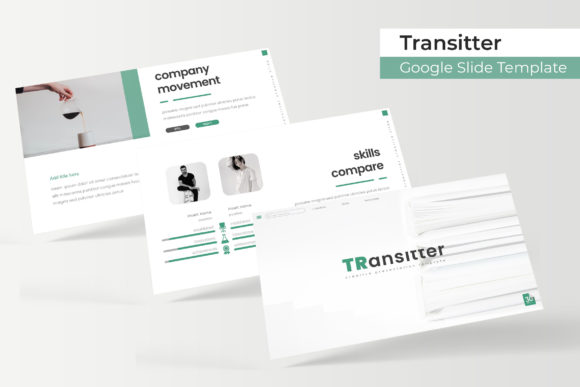
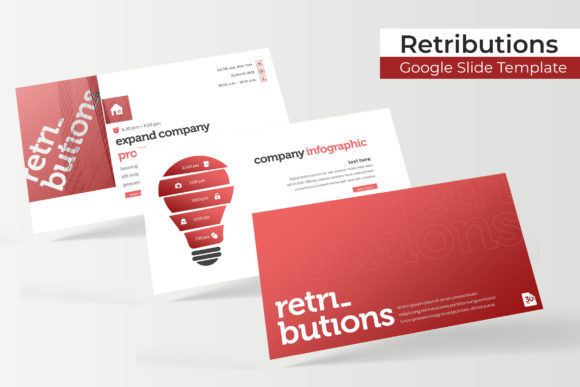
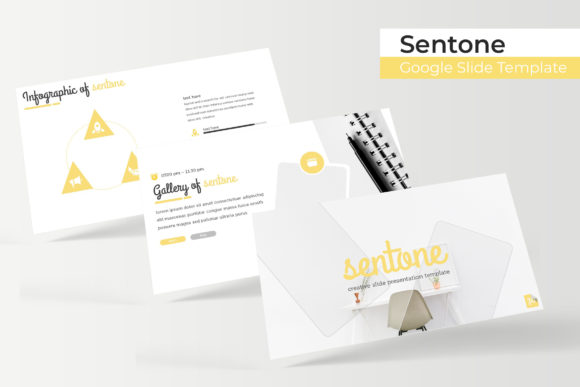
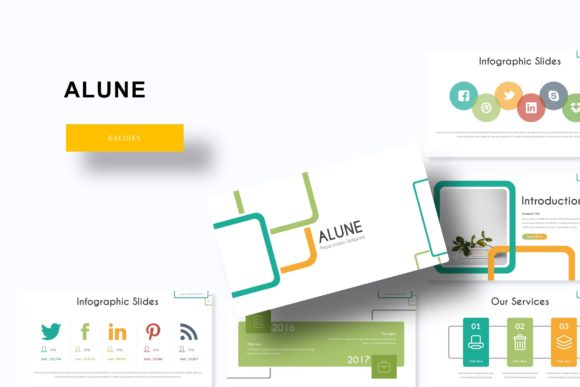
It's worth noting that the preview photographs and pictures shown in the template demonstrations aren't included in the download. They're there to illustrate how the slides look when populated with real content. You'll need to supply your own images, which honestly makes sense—your brand photos, product shots, and team portraits are what make the presentation yours. The template provides the structure; you bring the story.
Practical Applications Across Industries
Think about how many times you've needed a polished presentation this year alone. Sales pitches to potential clients. Internal strategy meetings. Conference talks. Webinar decks. Investor updates. Product launches. Each of these scenarios demands a slightly different approach to layout, tone, and visual emphasis. Having a template library with 150+ slides means you're not starting from scratch each time—you're selecting from a curated collection of proven layouts and customizing them for your specific needs.
For content creators and bloggers, the portfolio slides offer a clean way to showcase work samples or media kits. For small business owners, the infographic slides transform boring operational data into compelling visual narratives. For marketers, the variety of layouts means you can create distinct presentations for different campaigns without everything looking identical. The template becomes a design asset that grows with your business rather than a one-time download you use once and forget.
Making the Most of Your Template Investment
Getting the best results from any template requires a bit of intentionality. Start by choosing the color variation that best aligns with your brand palette. If none match exactly, use the master slides to adjust the accent colors—most template colors can be modified globally through the slide master settings. Stick to two or three fonts maximum for visual consistency, even though the template's free fonts give you a solid starting point.
Before your presentation day, test your slides on the actual display you'll be using. Colors that look vibrant on your laptop screen might wash out on a projector, and text that's perfectly readable at arm's length might become illegible from the back of a conference room. The Ricas template's clean layouts and strong typography hierarchy help with readability, but it's always smart to do a physical test run.
Ultimately, a great template doesn't make your presentation for you—it removes the design obstacles so you can focus on what you're actually saying. The Ricas Google Slide Template does exactly that, giving you a professional, flexible, and genuinely useful foundation for virtually any presentation scenario you'll encounter.