Transform Your Next Pitch with the Daendels Presentation Kit
Imagine this: You have a brilliant idea, a groundbreaking product launch, or a critical quarterly report to deliver. You open your presentation software, stare at the blank slide deck, and the creative paralysis sets in. The default templates look generic, building a professional layout from scratch takes hours, and the result often lacks the cohesive visual punch needed to truly captivate an audience. For entrepreneurs, marketers, and designers, the slide deck is often the frontline of communication, yet it is frequently the most neglected aspect of visual strategy. The gap between a mediocre presentation and one that drives action usually comes down to structure, visual hierarchy, and design assets.
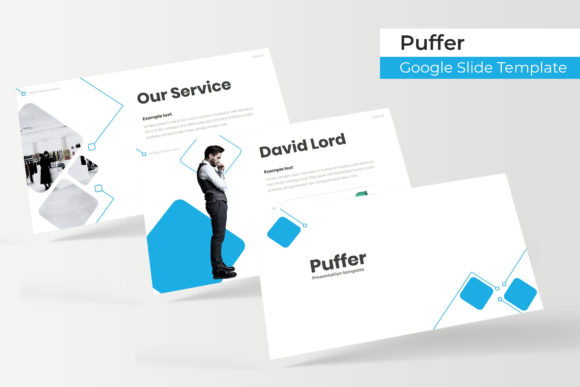
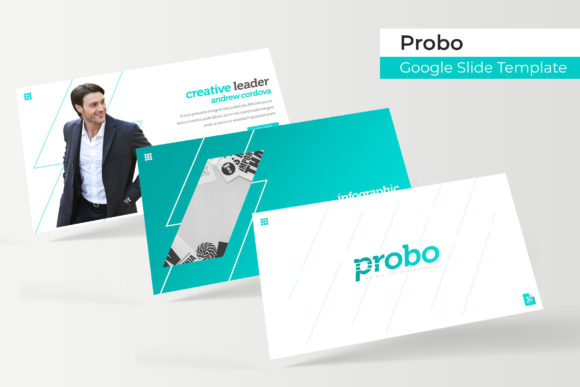
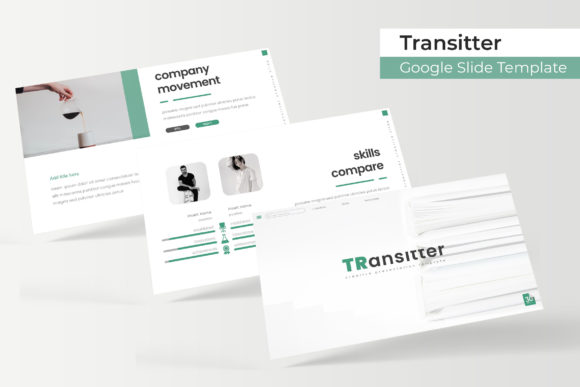
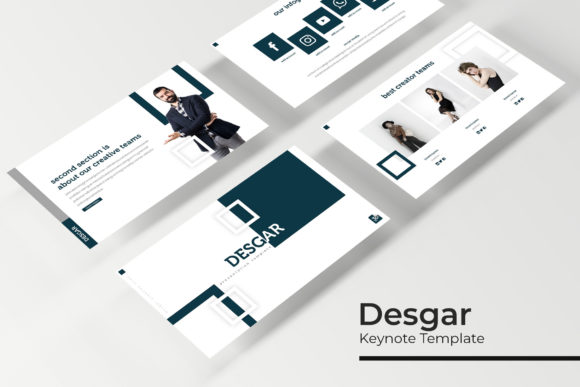
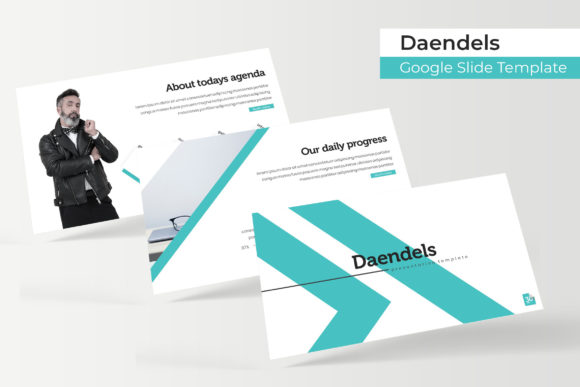
The Daendels Google Slide Template is not merely a set of pre-made boxes for your text; it is a comprehensive design system engineered to solve the "blank canvas" problem while ensuring high-end visual consistency. With a massive library of 150+ total slides, this collection is built for professionals who need versatility without sacrificing aesthetic quality. Whether you are a startup founder pitching to investors, a marketing manager outlining a new campaign, or a creative freelancer showcasing a portfolio, the sheer volume of options ensures that you are not forcing your content into a template, but rather selecting a layout that enhances your narrative.
Mastering Visual Consistency with 5 Premade Color Palettes
One of the most time-consuming aspects of design is establishing a color palette that works. It requires an understanding of color theory, contrast, and brand psychology. The Daendels template eliminates this hurdle by offering 5 premade colors, with 30 distinct slides dedicated to each template variation. This structure is incredibly practical for real-world application.
For instance, if you are a small business owner with a brand guideline that skews towards cool blues and grays, you can select the corresponding color variation and immediately have a deck that feels native to your brand identity. Conversely, if you are a marketing agency pitching to different clients, having five distinct color schemes allows you to tailor your presentation to the client’s corporate colors instantly. This level of customization ensures that your visual communication feels bespoke and intentional, which is crucial for building trust and professionalism during a pitch or a workshop.
The color variations are not just simple hue shifts; they are carefully curated palettes that affect every element on the slide, from background gradients to accent shapes and typography highlights. This attention to detail ensures that the contrast ratios remain readable and the visual hierarchy remains intact, regardless of which of the five themes you choose.
The Power of Handcrafted Infographics and Data Visualization
Data is powerful, but raw data is often boring. The difference between a forgettable statistic and a compelling insight lies in how that information is visualized. The Daendels collection features handcrafted infographics that move beyond standard bar charts and pie graphs. In a world where audiences are bombarded with information, unique data visualization is a key differentiator.
These infographics are designed to be "Pixel-perfect," meaning they utilize vector shapes that remain sharp on any screen resolution, from a laptop to a 4K projector. For content creators and educators, this means you can explain complex processes, timelines, or statistical breakdowns without losing your audience to confusion. The Section Break Slides are particularly useful here; they allow you to pause the data stream and reset the audience's attention, signaling a shift in topic with a bold, full-bleed visual statement.
Furthermore, the inclusion of a dedicated Gallery and Portfolio slide section makes this template highly valuable for designers and photographers. Instead of just listing your services, you can visually demonstrate your work. These slides are structured to balance imagery with context, allowing you to showcase case studies, product photography, or team portraits in a layout that feels like a curated editorial spread rather than a cluttered photo dump.
Streamlining Workflow with Editable Graphics and Drag-and-Drop Functionality
Efficiency is the currency of the modern creative economy. The technical architecture of the Daendels template is built on Master Slides. For the non-designer, this might sound technical, but in practice, it means that the design logic is centralized. If you want to change a global font or adjust a recurring graphic element, you do not have to manually edit 30 different slides. You make the change once in the master view, and it cascades throughout the entire deck. This ensures that your presentation remains consistent even as you iterate and evolve your content.
The Picture Placeholder feature is a massive time-saver for visual storytelling. Instead of cropping and resizing images manually to fit specific frames, the template utilizes intuitive drag-and-drop zones. You simply drag your image file onto the placeholder, and the software automatically crops it to fit the designated shape or aspect ratio. This is particularly beneficial for social media managers or bloggers who need to assemble decks quickly for webinars or online courses.
The graphics are fully Resizable and Editable. Because they are vector-based, you can scale an icon or a diagram to fill a full slide or shrink it down to a thumbnail without any pixelation. You can also ungroup these elements to change colors or remove specific parts of an illustration. This flexibility is essential when you are trying to match specific brand assets or when you need to simplify a graphic for a specific audience segment.
Practical Applications: Beyond the Standard Business Pitch
While the Daendels Google Slide Template is an obvious winner for corporate meetings, its utility extends far beyond the boardroom. The versatility of the design assets makes it a powerful tool for various creative and commercial endeavors.
For educators and course creators, the template provides a structured framework for educational content. The clear hierarchy of headings, subheadings, and body text makes it easier for students to follow along and retain information. The infographic slides are perfect for breaking down complex theories into digestible visual chunks.
Event planners and wedding coordinators can utilize the aesthetic qualities of the template for mood boards and client presentations. The high-end feel of the pixel-perfect illustrations helps sell a vision of luxury and professionalism. Similarly, non-profit organizations can use the data visualization slides to present impact reports to donors, turning dry financial figures into compelling stories of change.
Even for internal communications, such as onboarding new employees or presenting quarterly results, having a polished template elevates the perceived value of the information being shared. It signals to your team that you value their time and attention enough to present information in a clean, organized, and visually appealing manner.
Technical Specifications and Getting Started
The package is designed for ease of use and compatibility. Upon purchase, you receive 5 PPTX Files and 5 PPTX Widescreen versions, ensuring that whether you are presenting on a standard monitor or a wide cinematic screen, the aspect ratio is perfect. The widescreen format is particularly relevant for modern webinars and video content, as it utilizes the full real estate of a computer screen.
Typography is a critical component of design, and the Daendels template specifies a free font download link in the included Readme file. This is a crucial detail for maintaining the integrity of the design. Nothing ruins a premium template faster than missing font warnings that result in default system fonts breaking the layout. By using a free, accessible font, the template ensures that the visual style is replicable across different computers and operating systems without additional licensing costs for the typography itself.
It is important to note, as stated in the package details, that the photographs or pictures used in the preview are not included. This is standard practice for design assets, as stock photography requires separate licensing. However, the Picture Placeholder system makes swapping in your own images—or high-quality stock photos from sites like Unsplash or Pexels—a seamless process.
Ultimately, the Daendels Google Slide Template serves as a robust foundation for anyone looking to improve their visual communication. It bridges the gap between amateur design and professional polish, providing the tools necessary to tell a compelling story, showcase a brand, or present data with confidence. By leveraging the premade color palettes, the master slide structure, and the extensive library of infographics, you can focus less on the mechanics of design and more on the message you need to deliver.