Transform Your Presentations: The Moencak Keynote Template
There is a specific kind of frustration that hits when you are trying to pitch a big idea, but your visual aids look like an afterthought. You have the data, the strategy, and the passion, but the slides themselves feel disjointed or overly generic. For entrepreneurs, marketers, and creatives, the presentation is often the bridge between a concept and a closed deal. That is why finding a design asset that balances professional structure with creative flair is essential. The Moencak Keynote Template is built specifically to bridge that gap, offering a comprehensive toolkit for anyone who needs to communicate complex ideas visually without spending hours formatting text boxes.
A Deep Dive into Visual Structure
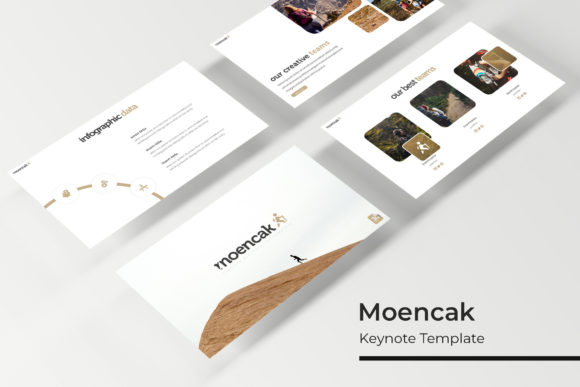
What sets this particular template apart is the sheer volume of content it offers. We often talk about "premium font" qualities or "design assets," but the real value lies in how these elements come together to solve problems. With over 150 total slides included, you aren't just buying a one-off background; you are investing in a visual language. The layout is designed to handle everything from dense data points to full-bleed imagery. It avoids the trap of being too minimalist (which can feel empty) or too cluttered (which overwhelms the audience). Instead, it finds a middle ground that feels modern and approachable.
The architecture of the slides relies heavily on "Master Slides." If you have ever struggled with formatting inconsistencies—where one slide has a slightly different margin or font size than the next—you will understand the relief of a pixel-perfect system. Everything is locked into a grid that ensures alignment. This is crucial for maintaining brand identity. When your "typeface" choices and spacing are consistent across a 30-minute presentation, it subconsciously signals to your audience that you are organized and trustworthy.
Color Psychology and Branding Consistency
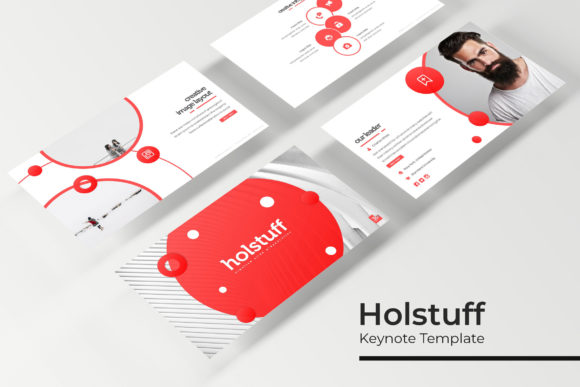
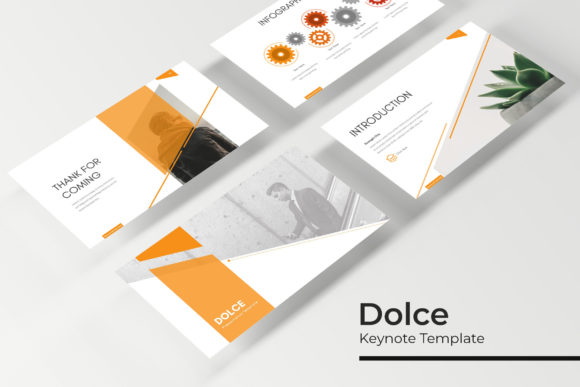
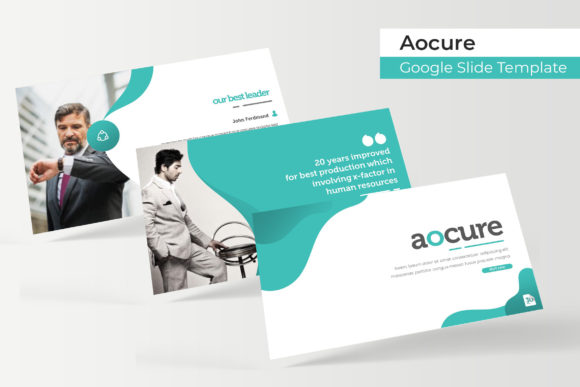
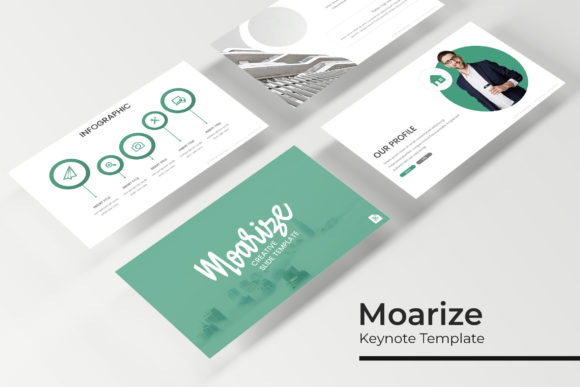
Color is not just decoration; it is communication. The Moencak template acknowledges this by providing five premade color variations. This is a massive time-saver for small business owners and brand strategists. Instead of guessing which hex codes work well together, you have five distinct palettes to choose from.
Consider the practical application here. If you are a "creative entrepreneur" pitching to a corporate client, you might select the navy or grey variation for a conservative, trustworthy vibe. If you are a "content creator" or "blogger" launching a lifestyle product, you might switch to a warmer, more vibrant palette included in the pack. This flexibility allows you to adapt the same core message for different audiences without redesigning the deck from scratch. It reinforces "visual consistency" across your entire marketing funnel, ensuring that the colors in your presentation match the colors on your website and "social media graphics."
Practicality Meets Aesthetics: The Drag-and-Drop Experience
One of the biggest hurdles in design is the technical barrier. Many high-end templates look beautiful in the preview but are a nightmare to edit. The Moencak Keynote Template addresses this with a focus on user experience. The graphics are fully resizable and editable, but the standout feature is the picture placeholder functionality.
Imagine you are preparing a portfolio review or a "packaging design" proposal. You have high-resolution photos of your work. Instead of manually cropping and resizing images to fit specific shapes, you simply drag and drop your image into the designated area. The template does the heavy lifting, automatically masking the image to fit the design. This feature alone can cut your preparation time in half. It allows "designers" and "hobbyists" alike to focus on the content of their message rather than fighting with software mechanics.
Infographics and Data Visualization
Data can be dry. A spreadsheet pasted onto a slide rarely engages anyone. However, data *visualization* is a powerful tool for persuasion. The inclusion of handcrafted infographics within this template is a significant advantage for "marketing professionals" and "small business owners" who need to present quarterly reports, market analysis, or growth projections.
These aren't generic clip-art charts. They are designed to be visually interesting while remaining clear. Whether you are showing a timeline of your company’s history or breaking down the components of a service package, these infographics help the audience digest information quickly. Good "modern typography" pairs with these graphics to ensure that labels and legends are readable, maintaining the balance between form and function.
Real-World Applications: Beyond the Boardroom
While the primary function is clearly a slide deck, the utility of the Moencak Keynote Template extends into other areas of "visual communication." Because the files are structured with such high-quality vector elements, they serve as a fantastic starting point for other "design assets."
For instance, the "section break slides" are often designed with bold typography and strong compositions. These specific slides can easily be repurposed as hero images for blog posts or as templates for "social media graphics" on Instagram or LinkedIn. If you are running a workshop, the "gallery and portfolio slides" provide a structured way to display client testimonials or case studies. It is about extracting maximum value from the assets you already own.
Technical Considerations and Workflow
Let’s talk about the nuts and bolts. The package includes five PPTX files, specifically formatted for widescreen displays. This is the standard for modern projectors and monitors, ensuring your presentation looks crisp and fills the screen without black bars.
A critical detail often overlooked in template descriptions is font licensing. There is nothing worse than falling in love with a design only to realize the font requires a $500 commercial license to use in your logo. The Moencak Keynote Template solves this by utilizing free fonts. The package includes a "Readme First" file with direct download links. This is a massive relief for "freelancers" and "agencies" who need to ensure they are fully compliant with copyright laws while keeping costs down. It removes the guesswork from the equation, allowing you to download, install, and edit immediately.
Who is this Template For?
The versatility of this tool makes it suitable for a wide range of users. It is not just for corporate executives.
- Graphic Designers: Use it to present "logo design" concepts or "brand identity" guidelines to clients in a professional manner.
- Photographers: The gallery slides are perfect for showcasing wedding portfolios or commercial shoots.
- Startup Founders: Create compelling pitch decks that attract investors using the structured data slides.
- Educators and Trachers: The clean layout helps keep students engaged without distracting clutter.
- Event Planners: Use the aesthetic slides to present mood boards and venue options to clients.
Final Thoughts on the Aesthetic
The "Moencak" aesthetic leans towards a clean, contemporary style. It uses whitespace effectively, allowing the content to breathe. This is a hallmark of good "editorial design." It doesn't scream for attention with flashy animations or garish colors; rather, it earns attention through sophistication and organization.
In a world where everyone is competing for attention, the tools you use matter. A well-structured presentation signals that you value your audience's time and intelligence. It shows that you care about the details. Whether you are using this for "web design" proposals, "merchandise" launches, or internal strategy meetings, the Moencak Keynote Template provides a solid foundation that you can build upon, customize, and make entirely your own. It is a practical investment in your professional toolkit that prioritizes ease of use and visual impact.