Metanor: A Comprehensive PowerPoint Template for Polished Presentations
That moment when you open a blank PowerPoint slide, cursor blinking expectantly, can be paralyzing. You have a brilliant idea, a crucial business update, or a compelling story to tell, but the presentation itself feels like a mountain to climb. You need structure, but not rigidity. You need visual appeal, but not distraction. This is the precise challenge the Metanor Power Point Template was built to solve. It’s not just a collection of slides; it’s a complete design system that transforms the daunting task of presentation creation into a streamlined, professional process.
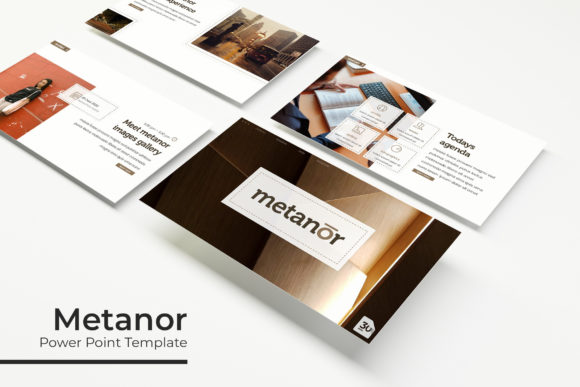
At its core, Metanor is a toolkit designed for clarity and impact. With 150+ total slides organized across 5 premade color themes, it offers a depth of choice that adapts to any brand or topic. Each of the five color variations contains 30 meticulously crafted slides, ensuring that whether you're presenting financial data, a creative portfolio, or a marketing strategy, there’s a cohesive visual framework ready to go. The color palettes themselves are thoughtfully curated, ranging from corporate blues and grays to more vibrant, creative options, allowing you to instantly match the template to your project's mood.
Beyond Slides: The Anatomy of a Functional Design System
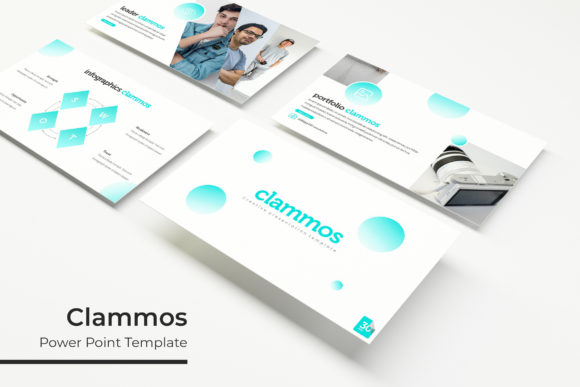
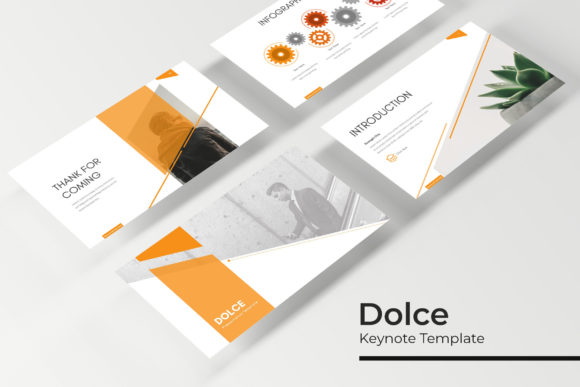
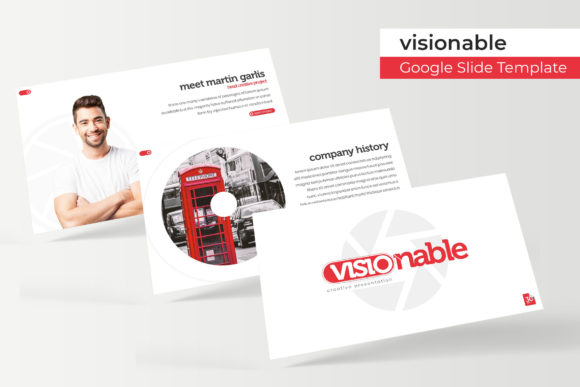
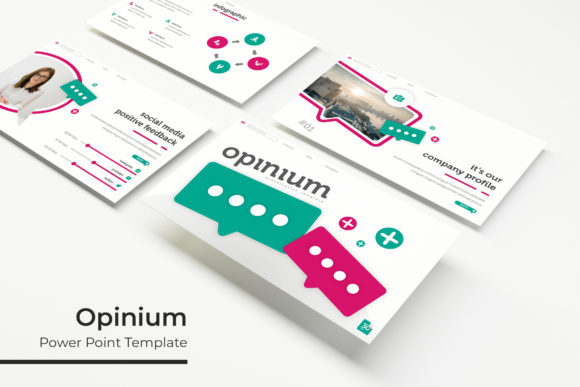
What truly sets a premium presentation template apart is its attention to the components that make design work easier. Metanor includes handcrafted infographics within PowerPoint, meaning you don’t need separate software to create clear, engaging data visualizations. From timelines and process flows to comparative charts and statistical graphs, these elements are built to be edited directly, saving hours of work. The inclusion of dedicated section break slides and gallery and portfolio slides further demonstrates its versatility. A section break provides a clean, visual pause that organizes your narrative, while the portfolio layouts are perfect for showcasing work samples, product images, or team members in a professional gallery format.
Practicality is woven into every detail. All graphics are resizable and editable, with picture placeholders that support simple drag & drop functionality. This means you can swap in your own images, logos, and icons without wrestling with formatting. The entire template is based on Master Slides, a critical feature for maintaining consistency. By editing the master, you can change fonts, colors, or logos globally across all 150+ slides with a single click. This is the secret to achieving that pixel-perfect look that signals professionalism and attention to detail.
Practical Applications: From Boardrooms to Branding
The true value of a tool like Metanor is measured in its real-world applications. For small business owners and entrepreneurs, it’s a branding accelerator. Use it to create consistent internal training materials, investor pitch decks, or client-facing proposals that all feel like they belong to the same visual family. The brand identity you’ve worked hard to build can be seamlessly integrated, ensuring every presentation reinforces your professional image.
Content creators and marketers will find it indispensable for developing marketing assets. Craft compelling webinar slides, design engaging social media carousels by exporting individual slides, or create polished media kits. The ability to quickly produce visual consistency across platforms strengthens brand recognition. A blogger could use the gallery slides to present travel photos, while a consultant might use the infographics to break down complex service offerings for their audience.
For designers and creative agencies, Metanor serves as a foundational design asset. It can be the starting point for a client’s editorial design in a presentation format, or a way to mock up packaging design concepts within a slide. The clean, modern typography and structured layouts provide a neutral yet sophisticated canvas that lets the core creative work shine without the template itself becoming a distraction.
Making It Your Own: Tips for Effective Use
To get the most out of this PowerPoint template, start by exploring the five color themes to select the one that best aligns with your existing brand palette or the tone of your presentation. Don’t feel locked into using all 30 slides from a single theme; the system is designed for mixing and matching. Perhaps you use the structure from one theme but apply the color scheme of another—the Master Slide system makes this feasible.
When it comes to typography, the included font choices are a key part of the template’s appeal. The Readme First file included in your download will specify the fonts used and provide free font download links. Installing these fonts before opening the PPTX files is crucial to maintaining the intended design. This attention to font pairing and modern typography is what elevates the final product, enhancing both readability and professional presentation.
Remember that the photographs or pictures used in the preview are for illustration only and are not included. This is your opportunity to inject your own visual story. Use high-quality, relevant images that resonate with your message. The drag-and-drop placeholders make this process intuitive, but the impact comes from your content choices.
Ultimately, the Metanor template is about removing technical barriers so you can focus on your message. It provides the visual consistency and professional polish that leads to greater audience engagement. By leveraging its structured yet flexible system—from section break slides to handcrafted infographics—you can communicate with clarity and confidence, whether you’re closing a deal, educating a team, or inspiring an audience. It’s a practical, powerful tool for anyone who believes that how you present is just as important as what you present.